Click-Through macOS Architecture: How Transparent Overlay Windows Work Without Focus Stealing
A deep technical breakdown of NSWindow levels (kCGFloatingWindowLevel), ignoresMouseEvents, and dynamic hit-testing that allows users to multitask and click right behind a dangling charm.
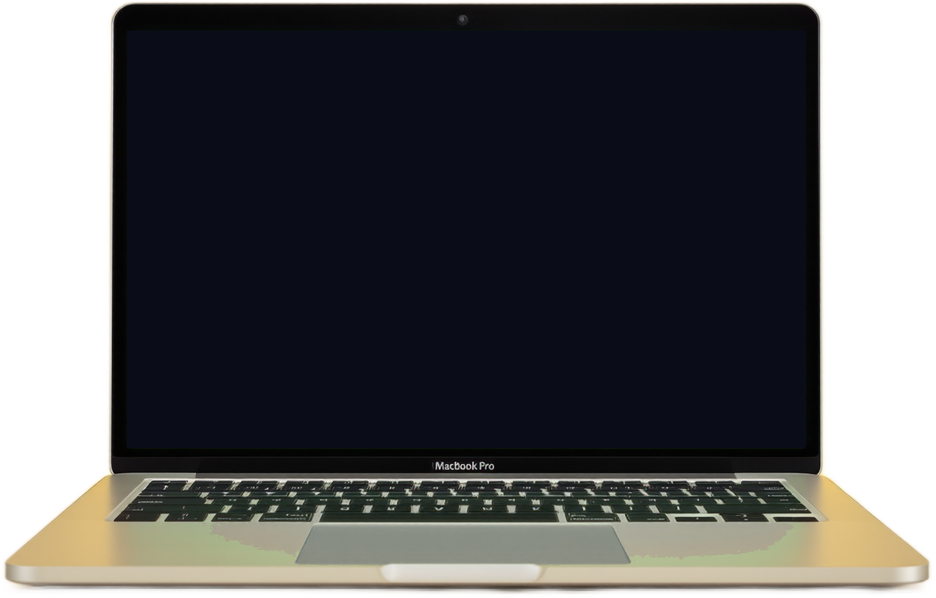
The Multitasking Challenge on macOS
When developing a persistent screen companion on macOS, the biggest hurdle is multitasking interference. Early iterations of desktop widgets suffered from an irritating flaw: if a transparent window was placed over the screen, users could no longer click browser tabs, select lines in VS Code, or drag application windows directly beneath it.
If the window seized mouse events, it hijacked the user's primary workflow. If it ignored mouse events completely, users could never flick or interact with the charm! How do we solve this paradox?
The Objective-C & AppKit Solution
In NallaNeram Charm's native universal macOS binary (src/native/main.m), developer Sarangan Raviraj implemented an architectural solution combining AppKit window layering and dynamic alpha hit-testing:
1. Non-Activating Floating Panel
We configure the window as an NSPanel with the NSWindowStyleMaskNonactivatingPanel mask. This ensures that clicking the charm will never steal keyboard focus or deactivate the user's active frontmost application.
2. Floating Window Level
The window is pinned to kCGFloatingWindowLevel (or NSFloatingWindowLevel), floating cleanly above normal windows but safely beneath the native macOS system menu bar, Mission Control, and fullscreen spaces.
ignoresMouseEvents): In our custom NSView subclass, we override - (NSView *)hitTest:(NSPoint)point. When the cursor is outside the physical charm bounds or over transparent pixels, the view returns nil, causing macOS to seamlessly pass the click down to whatever application lies beneath!
Instantaneous Multitasking
Thanks to this architecture, NallaNeram Charm users can click browser links right through the cord, drag code windows behind the talisman, and only engage the physics engine when explicitly grabbing or flicking the charm itself.
Hang this charm on your screen today
40 authentic cultural charms, soothing physics, and zero distractions. Free forever for Mac, Windows, and Mobile Lock Screen.